Customizable Backgrounds
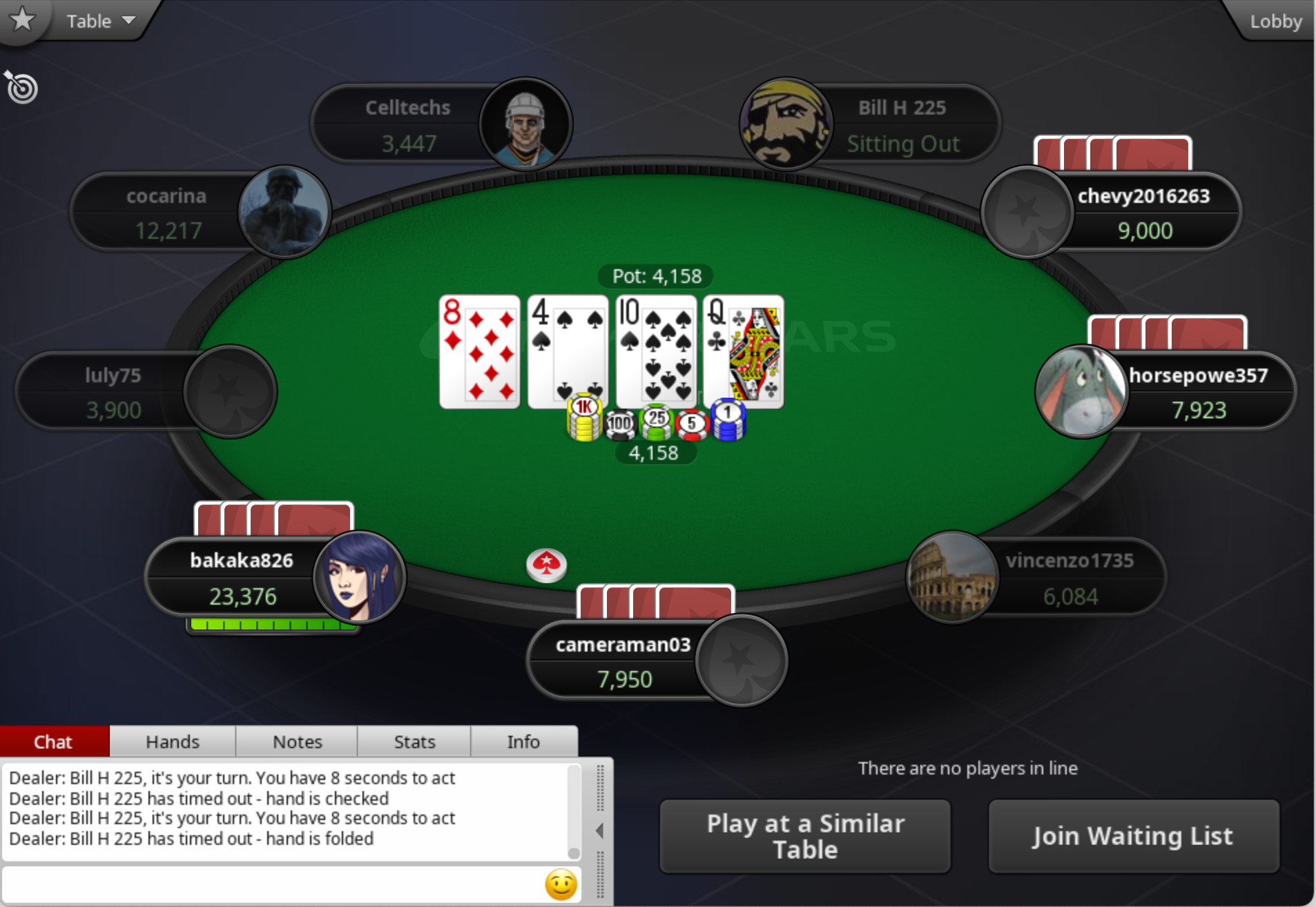
Similar to customizable dealer buttons, you can change the background of all your tables by shift-clicking on the background. That will bring up a picker where you can select an image to be used instead of the green “Craft Poker” table.
The optimal dimension for your custom background is 1906x1314. Anything else will be scaled.
Once you have uploaded a background, it will be remembered for new tables, but you can click on the background and shift back to the default, and click to continue cycling through backgrounds.
A Background to try
Here’s a fair use example: ancient-ps-screenshot.png